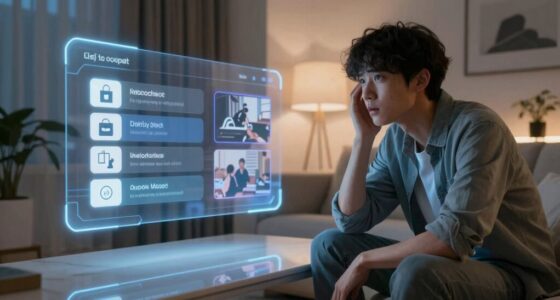

Technology feels intuitive when it aligns with your natural behaviors and expectations, making interactions smooth and almost automatic. When interfaces recognize familiar gestures like swiping or pinching, you’re more likely to trust and use them effortlessly. Clear cues, responsive feedback, and simple design help reduce mental effort, keeping you focused and engaged. If you want to understand how to create such seamless experiences, keep exploring these key principles to make technology truly feel like an extension of yourself.

Get the little things that make your day delivered free with Prime
- Fast, free delivery on millions of items
- Prime Video, Amazon Music and more included
- Member-only deals all year
Key Takeaways
- Alignment with user expectations and natural behaviors facilitates seamless interactions.
- Reducing cognitive load through clear, organized information enhances ease of use.
- Incorporating familiar gestures and real-world habits fosters intuitive system responses.
- Using visual and tactile cues provides immediate feedback and builds predictability.
- Designing with user-centered principles ensures technology feels like a natural extension of users.
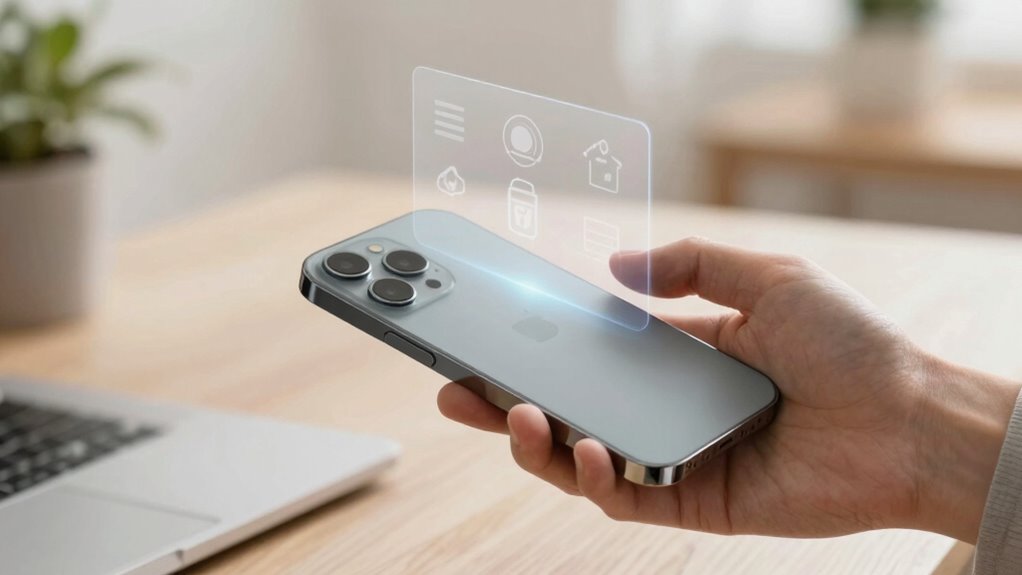
Technology feels intuitive when it aligns seamlessly with your expectations and natural behaviors. When you interact with a device or application that feels familiar, it minimizes the effort needed to navigate and accomplish tasks. This smooth alignment enhances your user experience, making technology feel almost invisible, as if it anticipates what you want to do next. The more intuitive a system is, the less mental energy you need to figure out how to use it. You don’t have to decipher complicated menus or remember obscure commands; instead, you can focus on your goals, not the mechanics of the tools you’re using.
Intuitive technology aligns with your natural behaviors, simplifying tasks and reducing mental effort for a seamless user experience.
A key factor in achieving this seamless experience is reducing cognitive load. Cognitive load refers to the mental effort required to process information and make decisions. When technology is intuitive, it reduces unnecessary mental strain by presenting information clearly, organizing options logically, and providing feedback that guides you effortlessly. If a user interface is cluttered or confusing, your brain has to work harder to interpret what’s on the screen and decide what to do next. Over time, this increased effort can lead to frustration and fatigue, discouraging continued use. But when interfaces are designed with simplicity in mind, your cognitive load stays manageable, allowing you to stay focused and efficient. Additionally, understanding natural behaviors and expectations plays a crucial role in designing intuitive technology, as it helps create interfaces that feel familiar and easy to use.
Designing for user experience also involves understanding natural behaviors and expectations. For example, if you’re accustomed to touchscreen gestures like swiping to delete or pinch to zoom, a system that employs these familiar interactions feels more natural. When your actions align with real-world habits, you don’t have to learn new, unnatural movements. This familiarity creates a sense of trust and comfort, making technology feel less like a complex machine and more like a natural extension of yourself. Recognizing these natural interactions is essential to creating an intuitive user interface that resonates with users’ expectations.
Furthermore, visual and tactile cues play a significant role. Clear labels, consistent icons, and responsive feedback help you understand what’s happening as you interact. When a button glows or a sound confirms your action, it reassures you that your input was recognized, reducing uncertainty and cognitive effort. Over time, these elements build an intuitive flow that feels as if the technology is reading your mind, responding predictably, and guiding you effortlessly from one task to the next. The integration of user-centered design principles ensures that systems are aligned with how users naturally think and behave, further enhancing intuitiveness.
Ultimately, technology that feels intuitive isn’t just about clever features; it’s about creating a harmonious relationship between your natural behaviors, expectations, and the system’s design. When these elements align, your user experience becomes seamless, engaging, and almost second nature, making technology an empowering tool rather than a frustrating obstacle.
Popular right now

Samsung 48-Inch S90H OLED 4K Smart TV (2026)

Dyson Ball Animal 2 Plus Corded Vacuum

Vitamix 5200 Professional-Grade Blender, 64 oz. Container, Black
As an affiliate, we earn on qualifying purchases.
Frequently Asked Questions
How Do Cultural Differences Influence Intuitive Technology Design?
Cultural differences considerably influence how you perceive intuitive technology, as cross-cultural usability varies based on local norms and values. When designing, you should prioritize design universality to guarantee the interface resonates globally, yet adapt elements to respect specific cultural preferences. By understanding diverse user behaviors and expectations, you create more inclusive, intuitive experiences that feel natural across different cultural contexts, ultimately increasing adoption and user satisfaction worldwide.
Can Simplicity Alone Make Technology Feel Intuitive?
Imagine walking into a room where everything feels just right—that’s what simplicity can do for your user interface. It reduces cognitive load, making interactions seamless. However, simplicity alone isn’t enough; intuitive design also considers how users think and learn. When these elements align, your technology feels natural and easy to use. So, yes, simplicity is key, but it works best when combined with thoughtful understanding of user behavior.
How Does User Feedback Shape Intuitive Features?
Your user feedback directly influences the development of intuitive features by highlighting what works and what doesn’t. You shape the user experience by sharing your needs and frustrations, prompting designers to refine interfaces. This iterative process guarantees design consistency, making features easier to navigate and understand. When you voice your opinions, you help create technology that feels natural, aligning functionality with your expectations and making the overall experience more seamless and enjoyable.
What Role Does Emotional Design Play in Intuitiveness?
Emotional design acts as the secret map guiding your interactions, creating a sense of emotional resonance that makes technology feel like a natural extension of yourself. When designers prioritize user empathy, they craft interfaces that speak to your feelings, turning complex features into familiar friends. This emotional connection transforms tasks into enjoyable experiences, making technology not just functional but genuinely intuitive, as if it understands and anticipates your needs effortlessly.
Is Intuitive Technology Always the Most Innovative?
Intuitive technology isn’t always the most innovative. You might find gesture recognition or voice interfaces easy to use, but they aren’t necessarily groundbreaking. Sometimes, simpler solutions feel more natural, even if they lack the latest features. Innovation focuses on advancing functionality, while intuitiveness emphasizes seamless user experience. So, while cutting-edge tech can be intuitive, it’s not a rule—some innovations prioritize novelty over effortless usability.
Conclusion
When technology feels intuitive, it’s like having a superpower—making complex tasks effortless and almost magical. You don’t need to decipher confusing menus or wrestle with clunky interfaces; instead, everything just clicks. To create this magic, focus on simplicity, consistency, and understanding your users’ needs. Remember, when technology is truly intuitive, it doesn’t just serve—it transforms your experience into something extraordinary, turning everyday interactions into moments of pure awe.