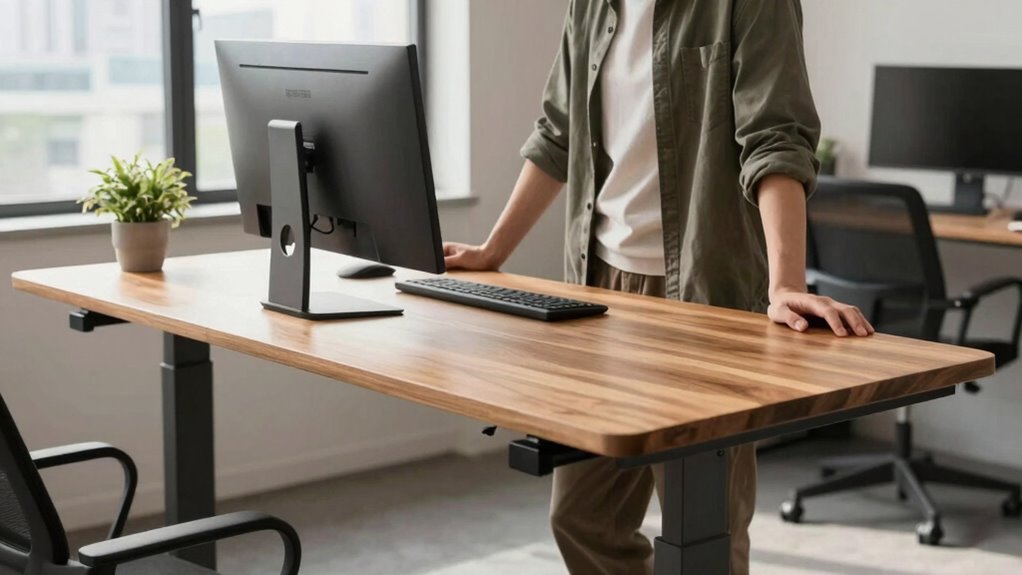

The truth about standing desks is that their benefits depend on proper ergonomics, movement, and balanced use, not just standing all day. If you don’t adjust your workspace correctly or stay in one position too long, you could experience discomfort or fatigue. It’s essential to alternate between sitting and standing, incorporate breaks, and stay mindful of your posture. Keep exploring to discover how to optimize your standing desk experience and avoid common pitfalls.
Key Takeaways
- Standing desks are beneficial only when properly adjusted and combined with movement and breaks.
- Prolonged standing without breaks can lead to fatigue and circulatory issues, negating health benefits.
- Myths that standing all day is healthier than sitting are misleading; balance is key.
- Ergonomic setup and posture awareness are crucial for maximizing standing desk benefits.
- The effectiveness of standing desks depends on user habits, not just the desk itself.
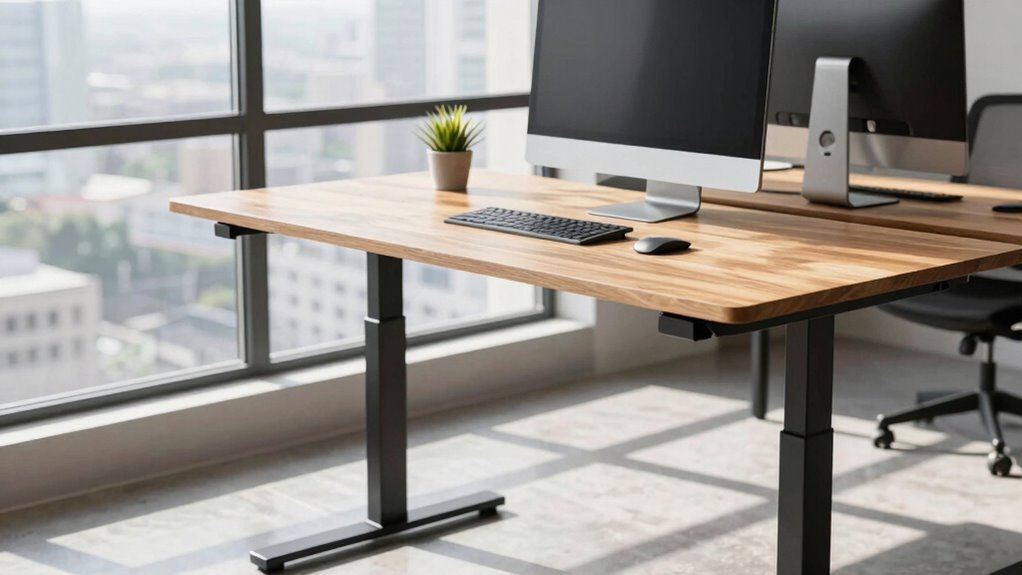
Have you ever wondered if standing desks really live up to the hype? It’s easy to get caught up in the excitement about how standing all day can supposedly transform your health and productivity. But before you invest in one or change your routine, it’s important to understand the truth behind these claims. Many marketing messages focus on the ergonomic benefits of standing desks, like reducing back pain and improving posture, but the reality isn’t always so clear-cut. Some health myths have been perpetuated, suggesting that standing constantly is an automatic solution for better health. The truth is, standing for long periods isn’t a magic fix; it can actually cause its own set of problems if not balanced with movement and proper setup.
Standing desks aren’t a magic solution; balance movement, posture, and setup for real health benefits.
The ergonomic benefits of standing desks are real, but they’re not universal. When used correctly, they can promote better spinal alignment, decrease pressure on your lower back, and encourage more movement throughout your day. However, these benefits only materialize if your desk is adjusted to your height and you maintain good posture. Slouching or standing with poor form negates any potential gains. Many people overlook the importance of proper ergonomics, thinking that simply standing will do the trick. In reality, it’s about how you stand, the support you use, and how frequently you shift positions. If you ignore these factors, you might experience discomfort or even exacerbate existing issues. Incorporating ergonomic principles into your setup can make a significant difference in how effectively a standing desk benefits you. Additionally, understanding how to set up your workstation properly can prevent common discomforts associated with prolonged standing. Knowing how to adjust your workspace to fit your body’s needs can help you avoid unnecessary strain and improve your overall experience. It’s also crucial to recognize that muscle fatigue** can set in if you stay in one position for too long, emphasizing the need for regular movement**.
Health myths around standing desks often suggest that standing all day is healthier than sitting. That’s misleading. Experts agree that alternating between sitting and standing, along with regular movement, is the best approach. Standing for hours without breaks can lead to fatigue and circulatory issues, just like sitting too long. It’s not about standing versus sitting but about creating a balanced routine tailored to your body’s needs. The idea that you need to stand constantly to reap benefits is a myth. Instead, listen to your body, take regular breaks, stretch, and move around. This way, you’ll optimize the ergonomic benefits without falling into common health myths that can lead to new problems.
In addition, understanding the importance of proper ergonomics and how to set up your workstation can significantly impact your overall comfort and health. In the end, the standing desk’s true potential depends on how you use it. It’s a tool, not a cure-all. When combined with awareness of proper ergonomics and a flexible approach to movement, it can genuinely improve your comfort and health. But don’t buy into the idea that standing alone is enough—your habits, posture, and listening to your body matter just as much. Understanding these nuances will help you get the most out of a standing desk, without falling prey to oversimplified health myths.

VIVO 32 inch Desk Converter, K Series, Height Adjustable Sit to Stand Riser, Dual Monitor and Laptop Workstation with Wide Keyboard Tray, Black, DESK-V000K
Create Instant Active Standing – VIVO’s desk riser provides on-demand standing throughout the day for the freedom to…
As an affiliate, we earn on qualifying purchases.
As an affiliate, we earn on qualifying purchases.
Frequently Asked Questions
Can Standing All Day Improve Long-Term Health?
Standing all day can improve long-term health if you use ergonomic accessories and make proper posture adjustments. While some worry about fatigue or strain, incorporating sit-stand desks helps prevent these issues, promoting better circulation and reducing back pain. Just remember, balancing standing with sitting and taking breaks is essential. When you focus on ergonomic setup and posture, standing throughout the day becomes a sustainable way to boost your overall health.
Are Standing Desks Suitable for People With Back Pain?
Standing desks can be suitable for people with back pain if you make ergonomic adjustments and focus on posture correction. You should guarantee your desk height supports a neutral spine, and take regular breaks to avoid strain. Using an anti-fatigue mat and an ergonomic chair when sitting can help, too. Remember, listening to your body and gradually increasing standing time can reduce discomfort and improve your back health over time.
How Often Should I Switch Between Sitting and Standing?
Switch between sitting and standing like a pendulum—every 30 to 60 minutes is ideal. Use ergonomic accessories and adjust your desk height to stay comfortable and avoid strain. Regular movement prevents stiffness and promotes circulation, so listen to your body. By making these small adjustments, you keep your muscles engaged and reduce fatigue, ensuring your workspace stays healthy and productive throughout the day.
Do Standing Desks Increase Productivity Instantly?
Standing desks don’t instantly boost productivity, but they can help over time. When you adjust your desk height and incorporate ergonomic accessories, you create a comfortable workspace that promotes focus. Standing periodically and maintaining proper ergonomics reduce fatigue and discomfort, leading to better concentration. While the effects aren’t immediate, consistent use of a well-set-up standing desk can gradually improve your efficiency and overall work experience.
What Are Hidden Costs of Using a Standing Desk?
Using a standing desk can secretly drain your wallet faster than you’d imagine. You might overlook the hidden costs of ergonomic accessories, like special mats or adjustable desks, which can skyrocket expenses. Plus, desk conversion costs, including professional setup and frequent replacements, add up over time. So, while standing desks seem like a health boost, beware of the hidden financial toll—they’re not as affordable as they appear.

FEATOL Anti Fatigue Mat for Standing, 9/10 Extra Thick Ergonomic Standing Desk Mat, Comfort & Durable Memory Foam Standing Mat at Home,Office All Day (20" x 32", Black, 1PC)
[Anti Fatigue Standing Desk Mat] – This anti fatigue mat standing desk office is effective in reducing stress…
As an affiliate, we earn on qualifying purchases.
As an affiliate, we earn on qualifying purchases.
Conclusion
So, remember, a standing desk isn’t a magic wand that instantly transforms your health. It’s more like a ship steering through choppy waters—you need to steer carefully, stay active, and listen to your body. Don’t let it lull you into false comfort, thinking standing alone is enough. Instead, blend movement and rest, adjusting as needed. With the right balance, you’ll keep your ship steady and sailing smoothly toward better well-being.

Amazon Basics Single Computer Monitor Stand with Cable Management, Height Adjustable VESA Desk Arm Mount, Fully Adjustable Tilt and Rotation, Steel, Black, Fits 13-30" Screens
Desk-mounted single-monitor stand fits most screens 13 to 30 inches and up to 22 pounds; fits desks 0.8…
As an affiliate, we earn on qualifying purchases.
As an affiliate, we earn on qualifying purchases.
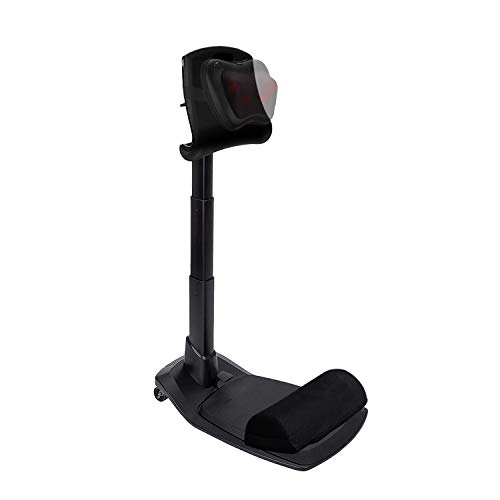
LeanRite Standing Desk Chair – Ergonomic Stool for Active Sitting & Posture Support | Adjustable Height Sit Stand Chair for Home Office Elite Upgraded Version with 3 Bonus Accessories
Promotes Neutral posture for Strong Back: Standing desk chair for leaning, sitting, perch stool. Front tilting seat; reduces…
As an affiliate, we earn on qualifying purchases.
As an affiliate, we earn on qualifying purchases.