
TL;DR

Get the little things that make your day delivered free with Prime
- Fast, free delivery on millions of items
- Prime Video, Amazon Music and more included
- Member-only deals all year
This article explains how to convert one video into a full publishing kit using local tools. It emphasizes speed, privacy, and reducing reliance on cloud services, ideal for creators wanting control and efficiency.
Imagine finishing a video and having a full suite of promotional assets ready in minutes—without uploading to the cloud or losing control of your data. That’s the promise of a local-first publishing approach. It’s not just about saving bandwidth; it’s about working faster, smarter, and more securely.
In this article, you’ll see how one video can become an entire publishing ecosystem—titles, descriptions, social posts, thumbnails, and more—by harnessing automation tools that run entirely offline. Whether you’re a solo creator or part of a small team, this approach keeps your content private, reduces reliance on external servers, and speeds up your workflow.
Key Takeaways
- Automate the entire content repurposing process locally to save time and maintain control over your assets.
- A complete publishing kit includes titles, descriptions, thumbnails, clips, transcripts, and multi-format assets tailored for every channel.
- Offline workflows prevent delays caused by internet issues and enhance data privacy—your files never leave your machine.
- Build your own system using open-source tools, scripts, and local storage; it’s easier than many expect and highly customizable.
- Proper backup routines and version control are essential for safeguarding your work without relying on cloud services.
As an affiliate, we earn on qualifying purchases.
How a Single Video Becomes a Complete Media Kit — Step by Step
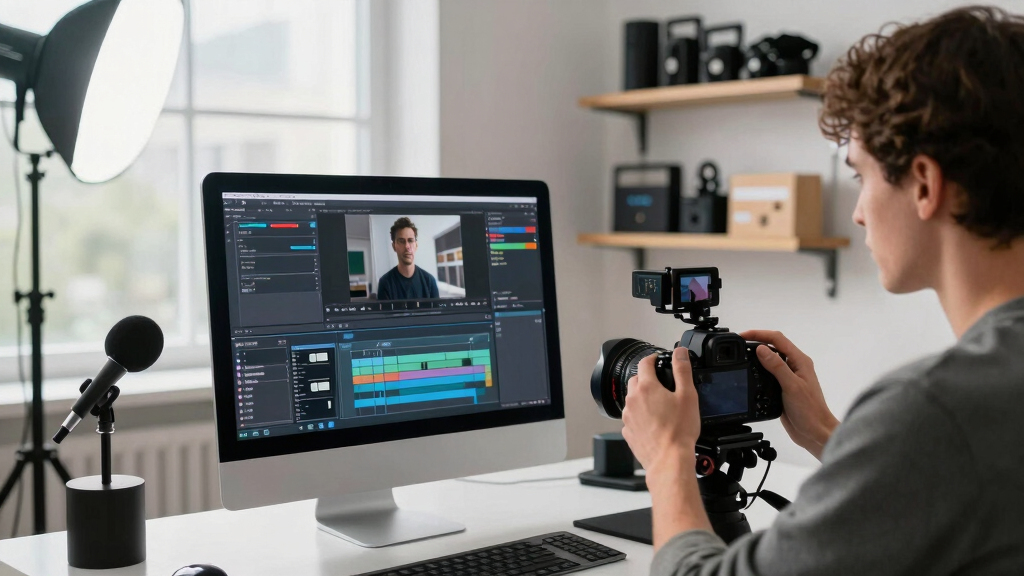
Turning one video into a full publishing kit isn’t magic—it’s a systematic process that, when understood, can dramatically improve your workflow. Initially, you input your raw footage into a local tool like ChannelHelm, which is developed privately and is not publicly available. This step isn’t just about analysis; it’s about extracting meaningful insights—such as key themes, visual cues, and speech patterns—that serve as the foundation for all subsequent assets. The importance lies in how this structured understanding allows for more accurate and relevant asset creation, reducing manual guesswork and ensuring consistency across your media kit.
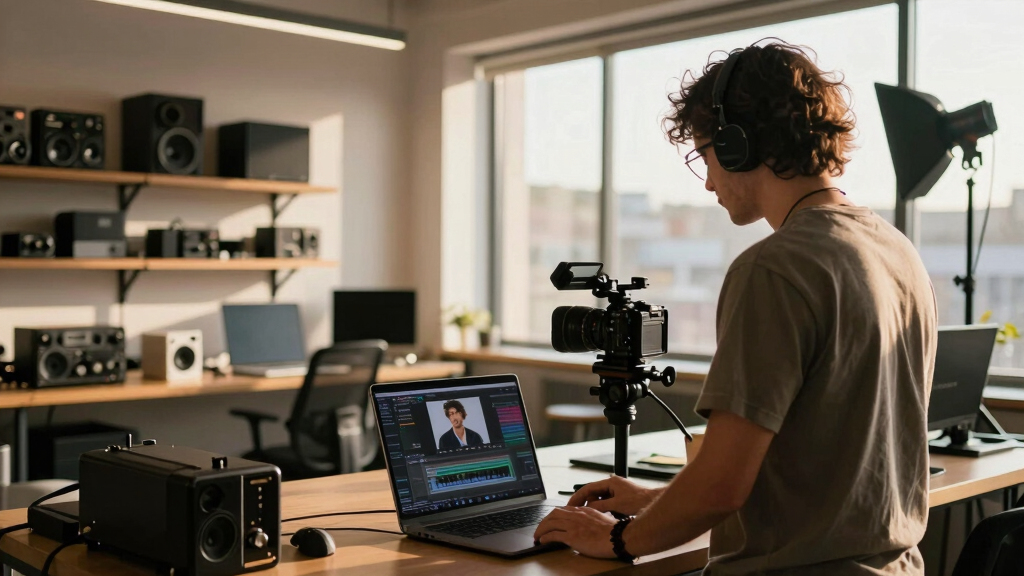
Next, the tool drafts various assets—titles, descriptions, social posts, thumbnails, and even press-ready one-sheets—by leveraging AI and predefined templates. These drafts are not final; they are starting points that you review, tweak, and approve directly on your machine. This process ensures that your creative control remains intact, while also saving time. The final step is exporting a comprehensive package—organized and ready for deployment across all your channels—without ever leaving your local environment. The key benefit here is the elimination of upload bottlenecks, which often cause delays and compromise data privacy.
This layered, analysis-driven approach transforms raw footage into a polished media kit. The tradeoff is that initial setup and calibration require some learning, but once configured, the system offers a repeatable, scalable workflow that boosts productivity and security. For more insights on building efficient workflows, visit Wish Note.
As an affiliate, we earn on qualifying purchases.
What’s Included in a Complete Publishing Kit — Real Examples
A quality publishing kit isn’t just a bunch of files; it’s a carefully curated collection of assets tailored to maximize engagement and accessibility across platforms. For more examples of content strategies, see this publishing approach.
- Multiple titles scored for engagement, ranging from 50 to 95 out of 100, designed to fit different social media styles and audiences. These variations matter because different platforms and demographics respond differently to wording and tone, so having a range allows for targeted outreach.
- A detailed description with chapters, hashtags, and keywords, which improves discoverability and SEO. Such metadata helps your content surface in relevant searches and feeds, increasing visibility over time.
- Vertical clips for TikTok and Reels, each trimmed from high-retention moments flagged by AI. This focus on high-engagement segments ensures your social media efforts are more effective, but it also requires careful selection and validation to avoid misrepresenting your content or missing context.
- A high-res and low-res version of your cover image, plus a one-sheet with key specs and branding. These visual assets are crucial for branding consistency and adaptability, but choosing the right resolution balances quality with load times and platform requirements.
- Multiple language transcripts, perfect for translations or subtitles. Including multilingual assets expands your reach but involves considerations around accuracy, timing, and cultural context—so automation should be supplemented with manual review for best results.
By understanding the full scope of assets required, creators can better plan their workflows, ensuring each piece is optimized for its purpose. Applying these assets strategically can significantly enhance your content’s reach and professionalism.

As an affiliate, we earn on qualifying purchases.
Defining the Workflow — From Raw Footage to Final Assets
Before diving into automation, it’s essential to establish a clear workflow. Start by organizing your raw footage and setting up your local tools. This includes installing necessary software, configuring templates, and creating a folder structure for your assets. Planning your process ensures consistency and reduces errors down the line. For more guidance on managing your digital assets, visit How to Get Divorced for organizational tips.
Next, process your video through analysis tools that extract key information—such as speech-to-text, scene detection, and visual highlights. Use this data to generate initial drafts of titles, descriptions, and clips. Review these drafts carefully, making manual adjustments where needed to ensure accuracy and alignment with your brand voice.
Finally, compile all assets—titles, descriptions, thumbnails, clips, and transcripts—into organized folders or packages. This final step prepares your media kit for distribution, either manually or via automated publishing scripts. Having a defined workflow helps streamline repetitive tasks and ensures quality control at every stage.
local media asset management tools
As an affiliate, we earn on qualifying purchases.
As an affiliate, we earn on qualifying purchases.
Frequently Asked Questions
What exactly is included in a “whole publishing kit”?
A complete kit typically includes titles, descriptions, social media posts, thumbnails, transcripts, and multi-format assets like PDFs and images. It’s tailored for all platforms—web, print, broadcast—and designed to streamline distribution.
Is this meant for authors, publishers, or marketing teams?
All of the above. Solo creators, small publishers, and marketing teams benefit equally. The system adapts to different needs, whether you’re producing a YouTube video or a product launch campaign. Learn more about digital content creation at Angel Number Wisdom.
How does one video turn into multiple assets?
Advanced automation tools analyze your video’s content—visuals, speech, on-screen text—and generate assets for different formats. Short clips, social posts, and press materials are crafted based on AI-detected high-retention moments and key themes.
What does “without the cloud” really mean? You can explore more about privacy-focused digital workflows at Angel Number Wisdom.
It means all processing and storage happen locally—on your machine or local server. No ongoing cloud uploads or API calls are necessary, giving you full control, privacy, and offline access.
How do you handle backups and version control without the cloud?
Use local storage solutions like NAS drives, external drives, and version control tools such as Git. Regular backups and off-site copies ensure your assets are safe and recoverable, even if hardware fails.
Conclusion
Going offline doesn’t mean sacrificing speed or quality. With the right tools, you can turn one video into a full-fledged media kit faster, more securely, and more affordably than ever before. It’s a game changer for creators who value control.
Imagine a workflow where every asset is ready by the time you finish editing—no waiting, no cloud dependency. That’s the future of publishing. Are you ready to take control and streamline your content production?
Halloween Picks
halloween
As an affiliate, we earn on qualifying purchases.