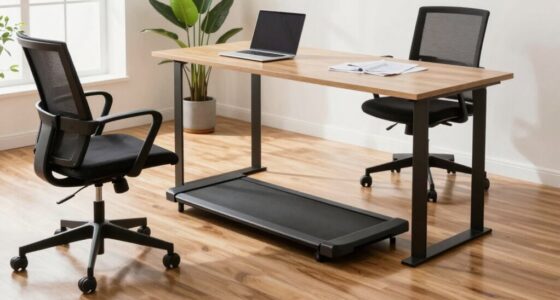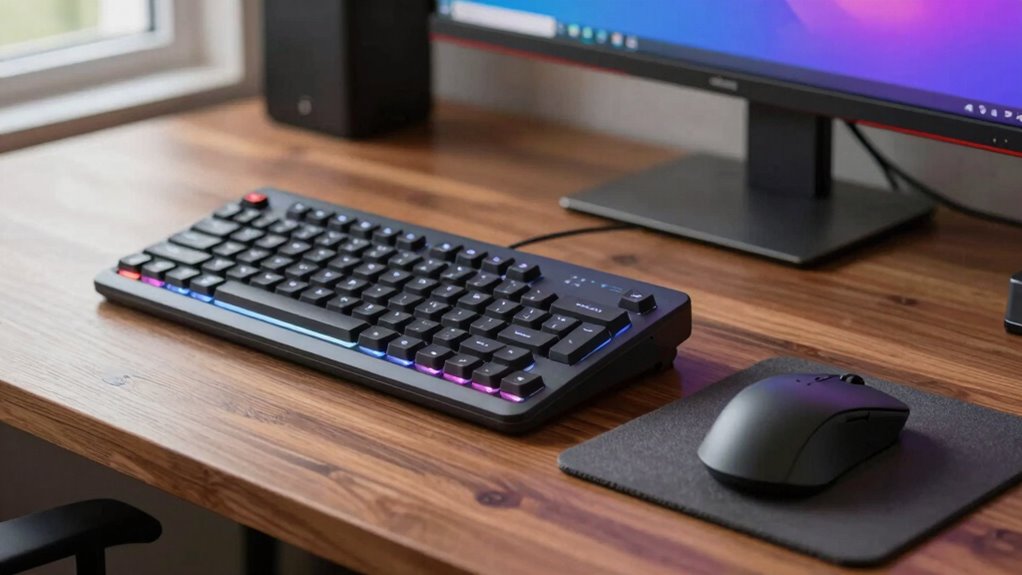

A better keyboard and mouse setup boosts your comfort and productivity by promoting ergonomic posture and reducing strain on your wrists, shoulders, and neck. Proper positioning and adjustable features help prevent repetitive stress injuries and long-term health issues. Quality devices also improve typing speed, control, and accuracy over time. By optimizing your workspace with ergonomic accessories, you can work longer without discomfort. Keep exploring to uncover more ways this simple change can enhance your work life.
Key Takeaways
- Improved ergonomics reduces muscle strain and long-term injury risks during extended computer use.
- Enhanced device precision and responsiveness boost typing speed and overall workflow efficiency.
- Proper setup promotes better posture, decreasing discomfort and fatigue over time.
- Customized ergonomic accessories support individual comfort and maintain healthy work habits.
- Quality devices and standards ensure safety, durability, and sustained ergonomic benefits.
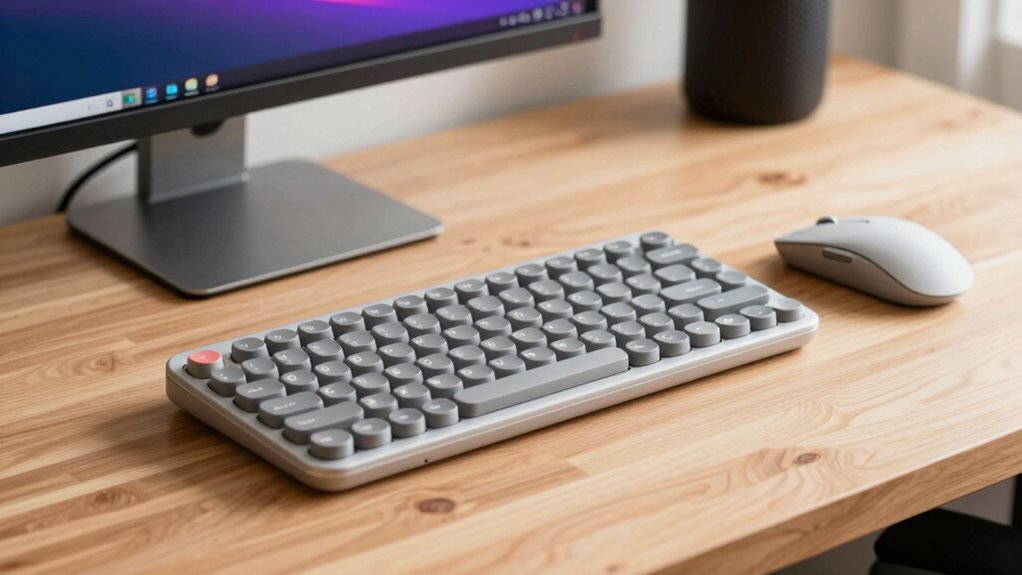
Using a keyboard and mouse offers numerous advantages that can enhance your productivity and comfort. One of the most significant benefits is how ergonomic adjustments can transform your workspace. When your keyboard and mouse are positioned correctly, you reduce strain on your wrists, shoulders, and neck. Proper ergonomic setup isn’t just about comfort—it’s about preventing repetitive strain injuries and long-term health issues. Adjusting your chair height, monitor position, and desk height in tandem with your input devices ensures your arms and hands stay in a neutral, relaxed position. This alignment allows you to work longer hours without discomfort, ultimately boosting your efficiency.
Beyond comfort, making ergonomic adjustments can lead to notable productivity enhancements. When your workspace is optimized, you spend less time shifting or repositioning your hands and more time focusing on your tasks. For example, a keyboard with adjustable tilt or a mouse with customizable buttons can streamline your workflow, allowing you to execute commands faster. Ergonomic keyboards often feature better key spacing and key travel, which can improve typing speed and accuracy. Similarly, ergonomic mice are designed to fit comfortably in your hand, providing better control and reducing fatigue during extended use. These small but impactful changes make a big difference in how effectively you work.
Investing in a better keyboard and mouse setup also encourages better habits, which further contribute to your overall productivity. For instance, a high-quality ergonomic mouse can reduce the tendency to grip tightly, decreasing muscle tension. Additionally, using a keyboard with built-in wrist rests or a palm support can help maintain proper wrist alignment. These adjustments reduce the risk of discomfort or injury and allow you to maintain focus on your tasks for longer periods. Incorporating ergonomic principles into your workspace design can further enhance these benefits, promoting healthier habits and improved well-being. Understanding proper device placement can help you maintain an ergonomic posture and avoid strain. Recognizing the importance of ergonomic accessories can also contribute to sustained comfort and efficiency during your workday, especially when combined with adjustable components that allow for personalized setup. Being aware of testing and quality standards ensures your devices meet safety and comfort criteria, further supporting your ergonomic health.

Arteck Split Ergonomic Keyboard with Cushioned Wrist and Palm Rest, 2.4G USB Wireless Comfortable Natural Ergonomic Split Keyboard, for Windows Computer Desktop Laptop
Split Design Ergonomic: Split design helps to position wrists and forearms in a natural, relaxed position.
As an affiliate, we earn on qualifying purchases.
As an affiliate, we earn on qualifying purchases.
Frequently Asked Questions
How Often Should I Replace My Keyboard and Mouse?
You should replace your keyboard and mouse when they start causing discomfort or no longer respond well. Typically, this might be every 3-5 years, but it depends on usage. Regularly update your keyboard shortcuts and adjust mouse sensitivity to improve efficiency. Pay attention to sticky keys or unresponsive buttons, which indicate it’s time for a replacement. Maintaining your gear in good shape guarantees smooth, comfortable, and productive work sessions.
Are Wireless Keyboards and Mice as Reliable as Wired Ones?
Wireless keyboards and mice are like loyal messengers—reliable when their battery life stays strong and their connectivity remains stable. While they can sometimes face interference or need battery replacements, advances in technology have greatly improved their dependability. If you keep an eye on battery levels and choose reputable brands, wireless devices can perform just as well as wired ones, offering freedom and flexibility without sacrificing reliability.
What Ergonomic Features Should I Look For?
You should look for ergonomic features like adjustable keyboard height to maintain a neutral ergonomic posture, reducing strain. An ergonomic mouse with a natural grip helps prevent wrist pain. Consider models with cushioned palm rests and customizable buttons for comfort and efficiency. Look for a keyboard with a slight tilt to promote better posture, and verify both the keyboard and mouse support your wrist’s natural position for long-term comfort.
Can a Better Setup Improve My Gaming Performance?
Yes, a better keyboard and mouse setup can improve your gaming performance. It enhances gaming precision by providing smoother, more accurate movements and responses. Additionally, high-quality peripherals reduce input lag, making your actions more immediate and responsive. This means you can react faster and aim more accurately, giving you a competitive edge. Upgrading your gaming setup guarantees you experience less frustration and more control during intense gaming sessions.
How Do I Clean and Maintain My Keyboard and Mouse?
Did you know that regular cleaning can extend your keyboard’s life by up to 50%? To clean and maintain your keyboard and mouse, start with cleaning tips like unplugging devices first. Use compressed air to remove dust, and gently wipe surfaces with a microfiber cloth dampened with alcohol. Follow maintenance routines weekly, and avoid eating over your setup to keep it pristine. Consistent care keeps your devices performing smoothly and lasting longer.

TECKNET Ergonomic Mouse, 4800 DPI 5 Adjustable DPI Levels, Wireless Vertical Mouse, 6 Buttons, 2.4G Silent Mouse for Laptop, PC, Chromebook, Mac – Black
【Ergonomic Design】Ergonomic mouse with Ergonomic Design, 52°angle to the tabletop. A natural handshake position effectively relieves pressure on…
As an affiliate, we earn on qualifying purchases.
As an affiliate, we earn on qualifying purchases.
Conclusion
Upgrading your keyboard and mouse isn’t just about comfort—it’s about boosting productivity and reducing strain. Imagine cutting your typing fatigue by 30%, allowing you to work longer without discomfort. With a better setup, you’ll notice smoother movements and quicker responses, making every task feel effortless. Investing in quality peripherals transforms your workspace into a haven of efficiency, helping you stay focused and comfortable all day long. Don’t wait—your peak performance is just a upgrade away.

Wireless Keyboard and Mouse Combo, 2.4G Full Size Wave Keys Ergonomic Keyboard with Wrist Rest and 3-Level DPI Adjustable Wireless Ergonomic Mouse for Windows, Mac OS Desktop/Laptop/PC(Black)
【Wave Ergonomic Wireless Keyboard and Mouse Combo】The wireless keyboard features a wave key and wrist rest design that…
As an affiliate, we earn on qualifying purchases.
As an affiliate, we earn on qualifying purchases.

CasaZenith Foot Rest for Under Desk at Work – Ergonomic Foot Stools for Under Office Desk – Rocking Footrest with Roller Massager – Leg Rest for Chair, Computer Gaming -13" L x 9.6" W x 5" H
Ergonomic Office footrest: Foot area surface measuring 13" by 9.6". Our footstools under the table provide all-day foot…
As an affiliate, we earn on qualifying purchases.
As an affiliate, we earn on qualifying purchases.