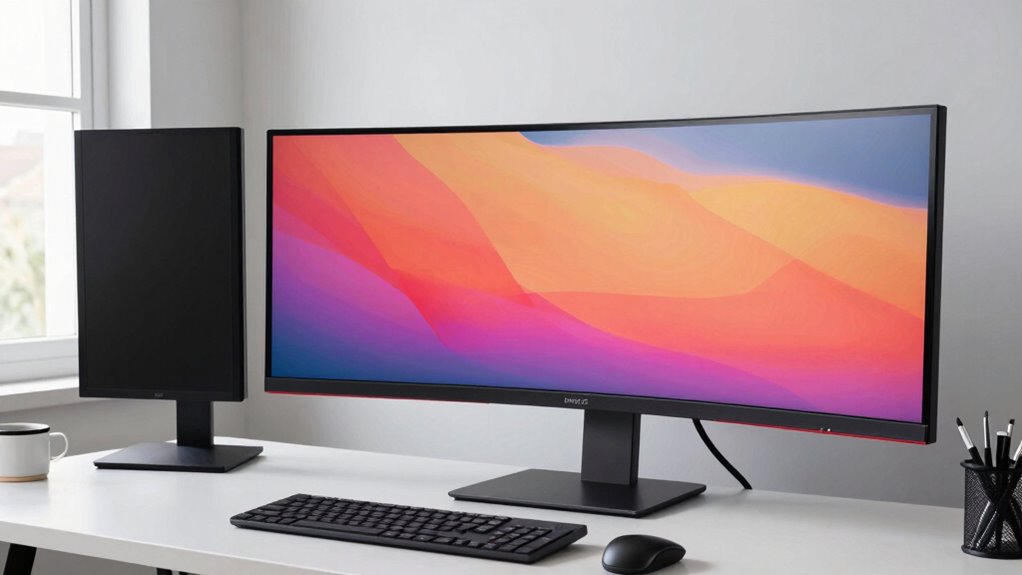

When choosing the right monitor size for work and focus, consider your workspace, tasks, and comfort. Larger screens boost multitasking and detail work but need more desk space and may cause neck strain if too big. Smaller monitors fit tight spaces and are budget-friendly but can limit multiple app viewing. Prioritize ergonomic features like adjustable height and tilt to maintain good posture. To find the best fit for your needs, explore these factors further.
Key Takeaways
- Match monitor size to your workspace to ensure comfortable viewing and prevent neck strain.
- Consider your typical tasks—larger screens benefit multitasking and detailed work, while smaller ones suit simpler tasks.
- Prioritize ergonomic features like adjustable height and tilt to maintain proper posture and reduce fatigue.
- Balance screen real estate with desk space, choosing a size that enhances productivity without clutter.
- Ensure good color calibration and visual comfort to minimize eye strain during extended work periods.
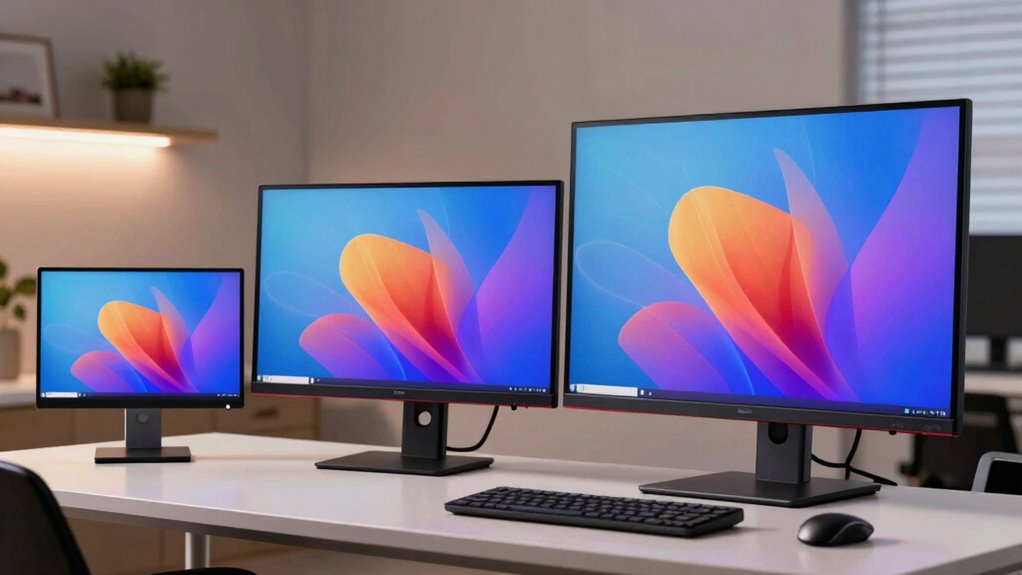
Selecting the right monitor size is essential for creating an efficient and comfortable workspace. The size you choose impacts your productivity, comfort, and even your eye health. When considering monitor size, think about how much screen real estate you’ll need for your tasks and how the display fits within your workspace. Larger screens can enhance multitasking and make detailed work easier, but they also demand more desk space and might require you to sit farther back to maintain a comfortable viewing distance. Smaller monitors, on the other hand, are easier to place and can be more budget-friendly, but they may limit your ability to see multiple applications simultaneously. Additionally, color calibration plays a critical role in tasks like photo editing or graphic design, ensuring that colors are accurate and consistent across your display. A monitor with good calibration can provide a more immersive experience and reduce eye strain, making it easier to focus for extended periods. Moreover, an ergonomic design plays a key role in your comfort. Choose a monitor with adjustable height, tilt, and swivel features to maintain proper posture and reduce neck and eye fatigue. An ergonomic setup allows you to position the screen at eye level, minimizing strain and promoting sustained focus during long work sessions. When selecting a monitor size, also consider your workspace’s ergonomics. A monitor that’s too large for your desk may force you to crane your neck or sit uncomfortably close, while a monitor that’s too small might cause you to strain your eyes or squint. Balancing size with ergonomic features ensures that you can maintain good posture and reduce discomfort. Remember that the ideal monitor size aligns not only with your workspace but also with your workflow needs. If your work involves detailed design or data analysis, a larger screen or even a dual-monitor setup might be best. Conversely, if you’re mainly performing basic tasks, a smaller monitor may suffice and help keep your workspace less cluttered. Ultimately, choosing the right monitor size involves balancing screen real estate, ergonomic features, and your specific work requirements. Prioritize models that offer good color calibration and adjustable stands to customize your viewing experience. Additionally, considering visual comfort can help prevent eye strain during prolonged use. To further optimize your workspace, it’s important to understand how ergonomic principles can influence your monitor placement and overall comfort. By making an informed choice, you’ll create a workspace that enhances your focus, minimizes discomfort, and boosts productivity.
ergonomic adjustable monitor stand
As an affiliate, we earn on qualifying purchases.
As an affiliate, we earn on qualifying purchases.
Frequently Asked Questions
How Does Monitor Size Affect Eye Strain?
Monitor size directly impacts eye strain by affecting your visual comfort and viewing distance. Larger screens allow you to view content comfortably without squinting, reducing eye fatigue. They also support higher screen resolutions, which make text and images sharper and easier to see. Conversely, smaller monitors may cause you to strain your eyes to read details. Choosing an appropriate size helps maintain comfort and prevents eye strain during long work sessions.
What Is the Ideal Monitor Size for Multitasking?
Thinking about multitasking? The ideal monitor size for this is usually between 27 to 32 inches, allowing you to see multiple windows comfortably. You should also consider screen resolution for clarity and ergonomic positioning to reduce strain. Have you tried a monitor that offers adjustable height and tilt? These features help you optimize your workspace, making multitasking more efficient and comfortable without sacrificing eye health or focus.
Does Larger Monitor Size Improve Productivity?
A larger monitor can improve productivity if you have a high resolution and an ergonomic setup. With more screen space, you can view multiple applications simultaneously, reducing switching time. Just make certain your monitor has a suitable resolution, like 4K, for sharp images, and set it up at eye level to prevent strain. This combination helps you work efficiently without sacrificing comfort or clarity.
How Does Monitor Size Influence Desk Space?
Think of your desk like a painter’s canvas — larger monitors take up more space, limiting room for ergonomic adjustments and monitor placement. You might find yourself constantly adjusting your chair or stretching to see the whole screen. A bigger monitor needs careful positioning to prevent clutter and guarantee comfort. As your workspace fills up, consider a size that balances vision needs with available desk space.
Is a Bigger Monitor Better for Gaming and Creative Work?
A bigger monitor, especially ultra-wide screens and curved monitors, can enhance your gaming and creative work. Ultra-wide screens provide immersive experiences, making games more engaging and creative tasks more seamless. Curved monitors reduce eye strain and improve focus by matching your natural field of view. However, make sure your desk space can accommodate these larger displays comfortably, and consider your system’s capabilities to maximize their benefits effectively.
27 inch 4K color calibrated monitor
As an affiliate, we earn on qualifying purchases.
As an affiliate, we earn on qualifying purchases.
Conclusion
So, next time you’re stuck debating between a giant screen or a tiny one, remember: bigger isn’t always better—unless you’re secretly trying to claim your desk as a new planet. The right size is about what makes you focus, not just what impresses your coworkers. Ultimately, choose wisely, or you might find yourself lost in a sea of pixels, desperately searching for the “work” in “work monitor.” Happy hunting!
dual monitor setup for productivity
As an affiliate, we earn on qualifying purchases.
As an affiliate, we earn on qualifying purchases.
compact monitor for small workspace
As an affiliate, we earn on qualifying purchases.
As an affiliate, we earn on qualifying purchases.