
As a graphic designer, you need monitors with different priorities to guarantee your work remains accurate and comfortable. High color fidelity, broad gamuts like Adobe RGB or DCI-P3, and calibration tools are essential for faithful color reproduction and consistency across devices. Ergonomic features like adjustable stands and blue light filters help prevent fatigue during long hours. Prioritizing these aspects improves your work quality and well-being, and if you explore further, you’ll discover even more ways to optimize your setup.
Key Takeaways
- Color accuracy is essential for true-to-life visuals, requiring specialized calibration and wide color gamuts not needed in general monitors.
- Graphic design monitors prioritize consistent color reproduction across devices and print, demanding specific calibration features.
- Ergonomic features are crucial to reduce strain during long editing sessions, enhancing productivity and health.
- Precise specifications like high resolution and accurate color management tools support detailed, high-quality work.
- General monitors may lack the specialized features necessary for professional visual fidelity and long-term color consistency.
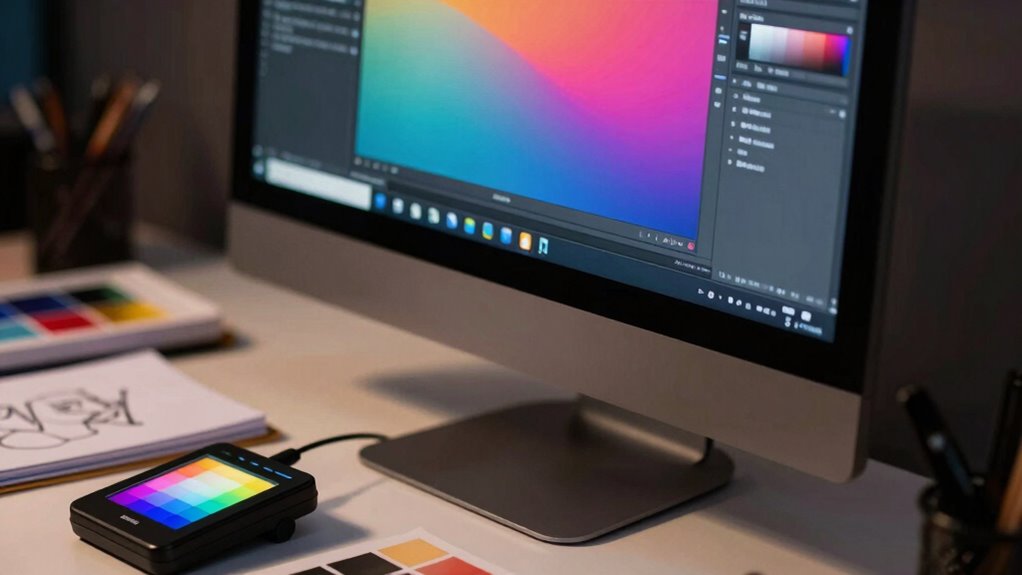
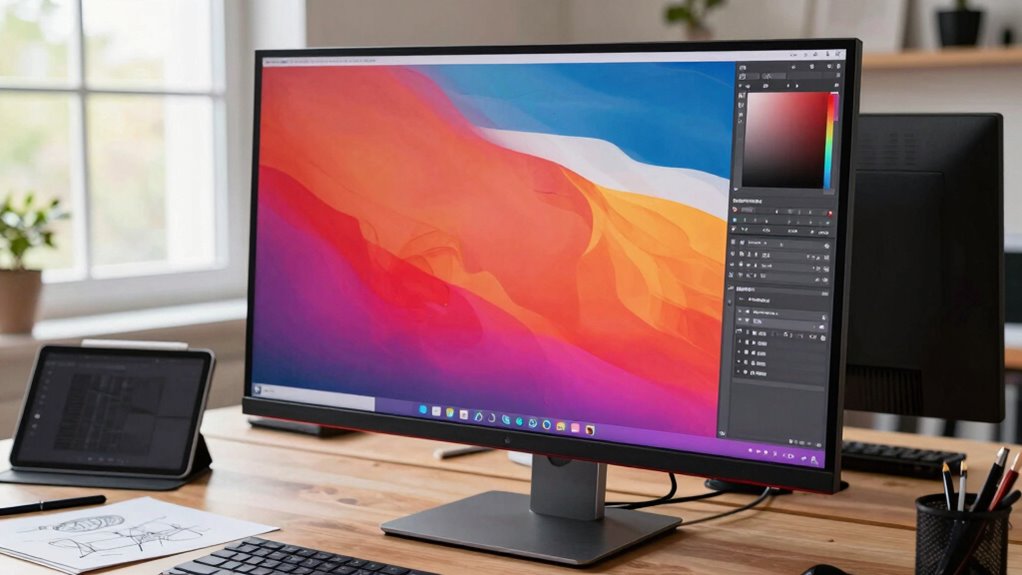
Choosing the right monitor is fundamental for any graphic designer, as it directly impacts color accuracy, detail, and overall workflow. Unlike general monitors, graphic design monitors need to prioritize specific features that support the precision and consistency required in visual work. One of the most critical aspects is color accuracy. As a designer, you rely on your monitor to faithfully reproduce colors, so you can create work that’s consistent across different devices and print materials. High-end graphic design monitors typically come with wide color gamuts like Adobe RGB or DCI-P3, allowing you to see a broader range of colors. Additionally, calibration capabilities are crucial; a monitor that can be easily calibrated ensures you maintain accurate colors over time without guesswork. This focus on color precision helps you avoid surprises when your work is printed or viewed on other screens, saving you time and frustration. Proper monitor calibration is essential to maintain the integrity of your work throughout your creative process.
Beyond color accuracy, ergonomic features are equally important. Since graphic design often involves long hours at your desk, your monitor should support comfortable viewing positions to prevent strain or injury. Adjustable stands that allow you to modify height, tilt, swivel, and pivot are essential. A good ergonomic monitor helps you maintain proper posture, reducing neck and eye strain, which can otherwise hinder your productivity and creativity over time. Look for features like flicker-free screens and blue light filters, which minimize eye fatigue during extended work sessions. These ergonomic considerations aren’t just about comfort—they also influence your ability to focus and produce high-quality work consistently. Moreover, understanding monitor specifications helps you select a display that meets these critical criteria effectively. Recognizing the importance of color management tools can further enhance your workflow by ensuring consistent color reproduction across different devices.

SANSUI 27 Inch Curved 240Hz Gaming Monitor FHD 1080P, 1500R Curve Computer Monitor, 130% sRGB, 4000:1 Contrast, HDR, FreeSync, MPRT 1Ms, Low Blue Light, HDMI DP Ports, Metal Stand, Cable Incl.
- Screen Size: 27-inch curved display
- Refresh Rate: 240Hz for smooth gameplay
- Curvature: 1500R immersive curve
As an affiliate, we earn on qualifying purchases.
As an affiliate, we earn on qualifying purchases.
Frequently Asked Questions
How Do Color Accuracy Needs Differ for Various Design Projects?
Your color accuracy needs vary depending on the project. For print designs, you prioritize precise color management to match print output, while digital projects focus on maintaining consistent workspace colors across devices. You should choose monitors that support high color fidelity, covering wide color gamuts like Adobe RGB or DCI-P3. This guarantees your work remains true to your vision, with consistent colors no matter the medium or device, enhancing your overall workflow.
What Are the Best Monitor Sizes for Detailed Graphic Work?
For detailed graphic work, a 27-inch monitor strikes the perfect balance, offering ample space without sacrificing pixel density. Studies show that larger screens boost productivity by up to 20%. Prioritize color calibration for accurate hues, and guarantee monitor ergonomics to prevent strain during long sessions. A well-sized, calibrated display helps you work precisely, reducing errors and enhancing your creative process.
How Important Is Screen Resolution for Different Graphic Design Tasks?
Screen resolution is essential for detailed graphic design tasks because it affects image clarity and workspace. You should consider a monitor with a high resolution, like 4K, to see fine details clearly. Additionally, a wide color gamut ensures accurate color representation, critical for visual work, while a high refresh rate improves responsiveness during interactive tasks. Together, these factors help you produce precise, vibrant, and smooth designs.
Do Graphic Designers Prefer Curved or Flat Monitors?
You prefer flat monitors because they symbolize clarity and focus, essential for your detailed work. Flat screens often offer better ergonomic comfort, reducing neck strain during long sessions. Plus, they typically align with your budget considerations, making them an accessible choice. While curved monitors create immersive experiences, you prioritize precision and comfort, ensuring your creative process remains smooth and efficient, reflecting your dedication to delivering high-quality designs.
How Does Monitor Calibration Affect Workflow and Output Quality?
Monitor calibration directly impacts your workflow consistency and output quality. When you calibrate your monitor properly, colors stay accurate across different projects, reducing guesswork and rework. This guarantees your designs look the same on various devices and screens. Without calibration, you risk color mismatches that can compromise your work’s professionalism. Regular calibration helps maintain reliable color accuracy, streamlining your workflow and ensuring your final output meets industry standards.

Calibrite Display 123 Monitor Calibration Colorimeter for Photo Editing and Color Accurate Viewing, Easy 1 2 3 Software Workflow, USB C Connection, and Before and After Check, Supports 2 Displays
- Compact Design: Approximately 34mm tall and 37mm diameter
- USB C Connectivity: Supports modern USB C connections
- Supports Two Displays: Calibrates up to 2 monitors
As an affiliate, we earn on qualifying purchases.
As an affiliate, we earn on qualifying purchases.
Conclusion
So, when choosing a graphic design monitor, remember it’s not a one-size-fits-all situation. Think of your monitor as a trusty paintbrush—each one needs to match your unique style and needs. Prioritizing features like color accuracy, resolution, and calibration guarantees your creative vision stays sharp and true. By understanding what matters most for your projects, you’ll steer clear of blurry colors or misaligned details, making your workspace as precise as a master artist’s palette.

Uncaged Ergonomics WorkEZ Adjustable Monitor Stand Riser for Desk, Black
- Adjustable Height Range: 2 to 18 inches adjustable height
- Sturdy and Lightweight: Made from durable aluminum
- Supports Up to 13 lbs: Heavy-duty monitor support
As an affiliate, we earn on qualifying purchases.
As an affiliate, we earn on qualifying purchases.

VizoBlueX 23-24 inch Anti-Blue Light Filter for Computer Monitor. Screen Protector Panel 21.5” x13.0 Blocks Blue Light for LCD TV PC iMac 24 Retina
- Optical Grade Blue Light Filter: Blocks harmful blue light 380-480nm
- Multi-Layer Protection: Eliminates UV and HEV light hazards
- Fits 23-24 Inch Screens: Dimensions: 21.5 x 13 inches
As an affiliate, we earn on qualifying purchases.
As an affiliate, we earn on qualifying purchases.