
TL;DR
Building your own AI workstation used to be cheaper, but rising component costs have narrowed or closed that gap. Buying prebuilt offers faster deployment, support, and validated thermal performance, making it a strong choice for most users today.
Imagine turning on a machine that’s ready to run, with everything optimized and supported right out of the box. Now picture spending hours sourcing parts, troubleshooting compatibility, and tuning every component just to get it to run smoothly. That’s the core choice between building and buying your AI workstation.
With AI workloads growing more demanding and component prices shifting rapidly, this decision has become more complex — and more critical. Whether you’re a hobbyist, a small team, or a professional enterprise, understanding the real tradeoffs can save you money, time, and headaches. This guide cuts through the noise, showing you how to choose based on your workload, budget, and comfort with hardware.
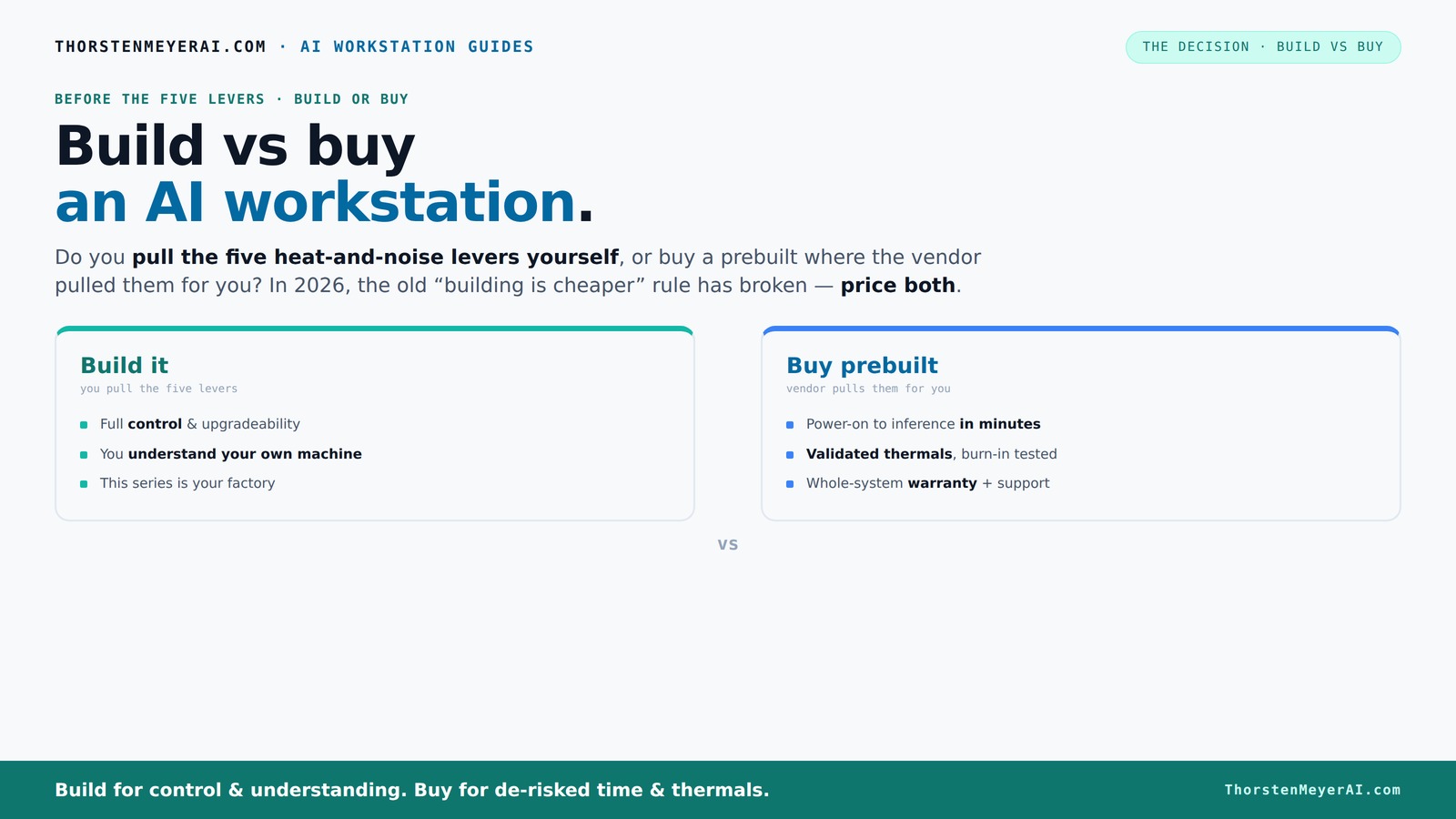
Build vs buy
an AI workstation.
The real question behind this whole series: do you pull the five heat-and-noise levers yourself, or buy a prebuilt where the vendor pulled them for you? And in 2026, the old “building is cheaper” rule has broken. Match your situation in Part 3.
Key Takeaways
- Component shortages and rising prices mean building your own AI workstation may no longer be cheaper — always price both options first.
- Prebuilts handle thermal management and testing, offering reliable, quieter, and faster-to-deploy systems with warranty support.
- Decide if you want to control every component or prefer a plug-and-play setup with support — that choice shapes your build vs buy decision.
- For steady AI workloads, local hardware often beats cloud costs over time, especially if uptime is critical.
- Match your system to your workload: VRAM, multi-GPU needs, and future upgrade plans are key to choosing the right approach.
As an affiliate, we earn on qualifying purchases.
Why Building Your Own AI Workstation Is No Longer Always Cheaper
In 2026, building isn’t the guaranteed cost-saver it used to be. Component shortages and price hikes for GPUs, DDR5 RAM, and SSDs have pushed DIY costs higher than expected. What used to be a $1,000 build might now hit $1,250 or more, even before you add an OS license.
Meanwhile, prebuilt vendors like Lambda or BIZON have bought components in bulk before prices spiked. They pass those savings onto you, often offering systems at prices that are tough to beat when you price out parts individually today. So, the old rule — build cheaper, buy for convenience — no longer holds universally.
But why does this matter? The implication is that the traditional advantage of DIY—cost savings—has diminished, forcing potential buyers to reconsider whether the time and effort invested in building are justified. If your goal is purely cost minimization, this shift means that prebuilt systems, which come with tested reliability and support, might actually be the smarter financial choice. It also highlights the importance of evaluating total cost of ownership, including time, troubleshooting, and potential delays, rather than just initial hardware costs.
For example, a 4-GPU system with high VRAM and enterprise-grade cooling that used to cost $3,000 as a DIY build might now retail for around $3,500 prebuilt, but with the added benefits of tested thermals, warranty, and support. You need to run the numbers for your specific setup, but this shift is changing the game.
As an affiliate, we earn on qualifying purchases.
Who Pulls the Levers? Building vs Buying Thermal and Power Control
Heat, noise, stability — these are the big levers in an AI workstation. When you buy a prebuilt, the vendor pulls these for you. They validate thermals, tune fan curves, and often employ water cooling for quieter, cooler operation. For instance, BIZON claims systems with up to 30% lower noise and temperature under load.
If you build your own, you’re the one pulling those levers. Choosing a quiet GPU, undervolting it, matching the right cooler, and optimizing airflow takes time but offers a machine precisely tuned for your needs. You can tweak a custom setup to be nearly silent during long training runs or maximize cooling for heavy multi-GPU loads.
Why does this matter? Because thermal management isn’t just about comfort—it directly influences performance and hardware lifespan. Overheating can throttle GPU speeds, cause system instability, or shorten component life. Conversely, poor airflow or inadequate cooling can lead to thermal throttling, reducing training efficiency and increasing hardware failure risk. The tradeoff is clear: prebuilt systems that are thermally validated save you this hassle and protect your investment, but building your own allows for tailored cooling solutions that can optimize performance for specific workloads. This decision impacts not just immediate performance but also long-term durability and operational costs.
Here’s a quick rundown:
| Buy a Prebuilt | Build it Yourself |
|---|---|
| Vendor handles thermal engineering | You control cooling, airflow, and noise targets |
| Validated thermals, warranty included | Requires your testing and troubleshooting |
| Potentially quieter, more stable under load | Potential for lower noise if tuned well |
Deciding hinges on whether you prefer to pull these levers yourself or pay for someone else to do it.
“It’s not just about parts. It’s about how those parts work together under sustained load, and prebuilt vendors do that work for you.”"Explain the importance of thermal management in AI workloads and how it influences performance and longevity."
As an affiliate, we earn on qualifying purchases.
Frequently Asked Questions
Is it cheaper to build or buy an AI workstation in 2026?
Due to component shortages and price hikes, building isn’t always cheaper now. Always compare current prices for your specific specs — prebuilt systems often come out ahead on total cost, especially when factoring in time and support.How much does a prebuilt AI workstation typically cost compared to a DIY build?
A prebuilt with high-end GPUs and enterprise cooling can cost between $3,200 and $3,500, including support. DIY parts might total slightly less upfront but require hours of assembly and troubleshooting, which adds hidden costs.What is the best GPU for AI workloads: VRAM or raw speed?
It depends on your workload. For large models, VRAM capacity (like 80GB on the A100) matters more. For training smaller models or inference, raw compute speed (like RTX 4090) can be more advantageous. Consider your specific use case.Do I need multiple GPUs, or is one enough?
For large models, multi-GPU setups can drastically reduce training time. But they’re more complex to set up and cool. For many, a single high-VRAM GPU offers a good balance of performance and simplicity.Is local hardware cheaper than cloud GPU rentals over time?
Yes, especially for steady workloads. According to recent data, a local 4-GPU workstation can be up to 21x cheaper over a year than cloud services when used intensively. Cloud is better for sporadic or short-term use.As an affiliate, we earn on qualifying purchases.
Conclusion
In the end, the best choice depends on what you value most — speed, support, or control. If your project demands quick deployment and reliability, a prebuilt is often the smarter move. But if you enjoy tinkering and want maximum customization, building your own still holds appeal.
Remember, the landscape is shifting. The days of DIY always being cheaper are fading. Your decision should reflect your workload, budget, and comfort with hardware. Choose wisely — your AI projects depend on it.