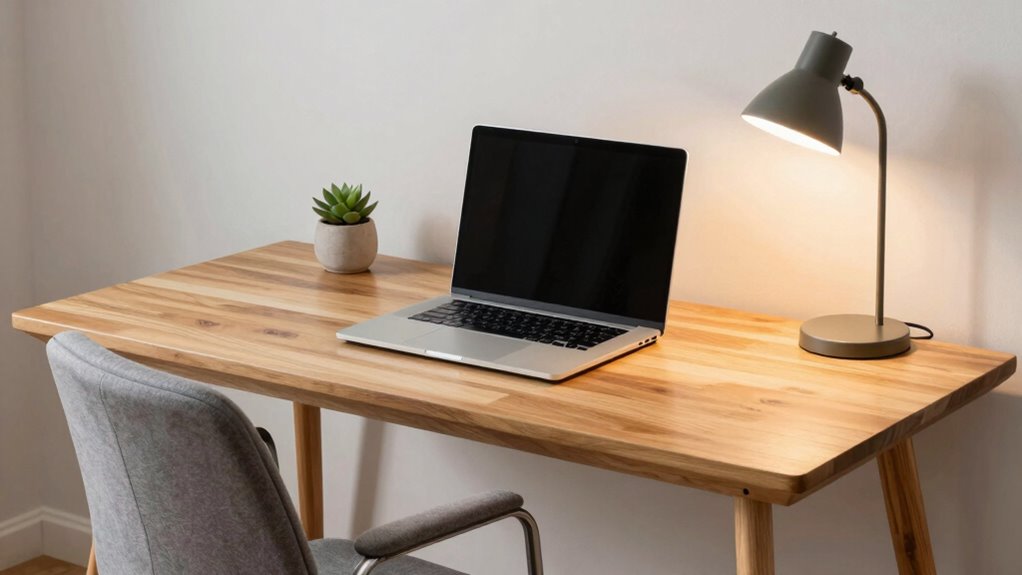

To build a more comfortable desk setup without overcomplicating things, focus on simple ergonomic accessories like an adjustable chair with good lumbar support, a monitor stand at eye level, and an ergonomic keyboard and mouse. Manage your cables with clips or ties for a tidy look, which helps keep your workspace organized and less distracting. Small tweaks like these can improve comfort and posture greatly, and if you keep exploring, you’ll find more easy ways to enhance your workspace.
Key Takeaways
- Start with an adjustable chair that provides proper lumbar support for better back comfort.
- Use a monitor stand or riser to keep screens at eye level, reducing neck strain.
- Incorporate ergonomic keyboard and mouse options gradually to prevent repetitive strain.
- Organize cables with clips and ties to maintain a tidy, clutter-free workspace.
- Focus on small, practical upgrades over time to enhance comfort without overwhelming your setup.
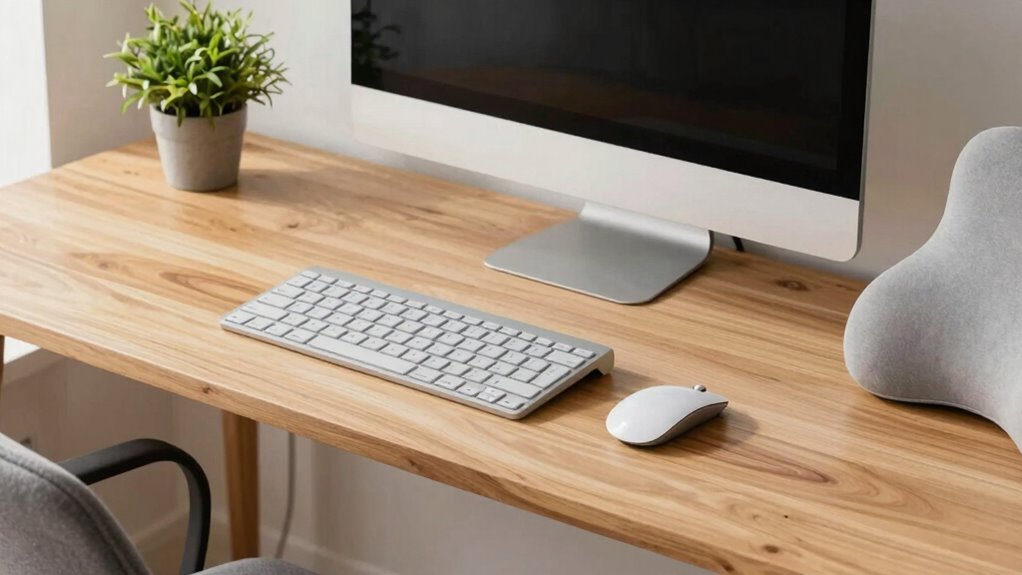
Creating a comfortable desk setup doesn’t have to be complicated or expensive. The key is to focus on small, practical changes that improve your posture and reduce clutter. One of the simplest ways to do this is by investing in ergonomic accessories. These are designed to support your body and make your workspace more comfortable without overwhelming you with gadgets. For example, an adjustable chair with proper lumbar support can prevent back pain and make long hours at your desk more manageable. A height-adjustable desk or a monitor stand ensures your screen is at eye level, reducing neck strain. Even small additions like an ergonomic keyboard and mouse can make a big difference in preventing repetitive strain injuries. You don’t need to overhaul everything at once—just pick a few essentials to enhance your comfort gradually.
Another essential aspect of creating a more efficient workspace is cable management. Cluttered cables can cause frustration, take up unnecessary space, and even pose safety hazards. To keep your desk neat and functional, consider simple cable management solutions. Use cable clips to secure cords along the edge of your desk or under it, keeping them out of the way and preventing tangles. Velcro straps or twist ties can bundle multiple cables together, making them easier to handle and less likely to fall behind your furniture. You might also invest in a cable tray or a desk grommet to hide cables out of sight. A clean, organized workspace not only looks better but also promotes better focus and reduces distractions. When cables are managed well, you have more room to organize other ergonomic accessories, like a document holder or a desk lamp, further enhancing your comfort. Additionally, choosing ergonomic accessories designed specifically for comfort can make your workspace even more efficient. Incorporating ergonomic principles into your setup ensures that your workspace supports your health and productivity over time. Proper cable management techniques are crucial in creating a clutter-free environment that fosters focus and well-being.

Ergonomic Office Chair with Adjustable Lumbar Support, 3D Arms and Headrest, High Back Wide Desk Computer Chair with Wheels, for Home & Office, Black
Large & Non-Deformable Cushion: 4.3" thick high-density foam cushion of ergonomic office chair resists sagging, retains shape &…
As an affiliate, we earn on qualifying purchases.
As an affiliate, we earn on qualifying purchases.
Frequently Asked Questions
What Are Affordable Options for Ergonomic Desk Accessories?
You can find affordable ergonomic desk accessories like an ergonomic chair that offers good lumbar support and adjustable features, which help reduce back strain. Pair it with a cushioned mat to provide comfort under your feet and improve standing or sitting posture. Look for budget-friendly options online or at stores that prioritize ergonomic design. These simple additions can considerably enhance your comfort without breaking the bank or overcomplicating your setup.
How Can I Improve Desk Organization Quickly?
Think of your desk as a tidy garden—each element in its place. To improve organization quickly, use cable management solutions like clips and sleeves to tame tangled cords. Add simple desk accessories, like trays and drawer dividers, to keep essentials within reach without clutter. Clear surface space by removing unnecessary items and grouping similar ones together, transforming chaos into a calm, functional workspace that boosts your productivity effortlessly.
What Lighting Is Best for Reducing Eye Strain?
The best lighting solutions for reducing eye strain include soft, diffused light sources like adjustable desk lamps or overhead LED lights with warm color temperatures. Avoid harsh, direct lighting that causes glare or flickering. Position your lighting to illuminate your workspace evenly, reducing contrast and eye fatigue. You should also minimize screen glare by adjusting monitor brightness and using anti-glare filters, creating a more comfortable and eye-friendly desk setup.
How Often Should I Adjust My Desk Setup?
You should adjust your desk setup whenever your posture habits feel uncomfortable or you notice strain. Aim to review and tweak your setup at least once a month, ensuring your monitor is at eye level and your chair supports your back. Use break reminders to prompt regular posture checks, helping you maintain comfort and prevent strain. Regular adjustments keep your workspace ergonomic and tailored to your needs.
Are There Portable Solutions for Ergonomic Comfort?
Yes, there are portable solutions for ergonomic comfort. Imagine slipping a lightweight, adjustable lumbar support pillow into your bag or using compact ergonomic travelgear like foldable keyboard trays and portable footrests. These portable accessories make it easy to maintain good posture anywhere, whether you’re at a coffee shop or working remotely. They’re designed to be simple, effective, and easy to carry, ensuring you stay comfortable without overcomplicating your workspace.

WALI Computer Monitor Stand for Desk, Adjustable Laptop Riser, Desk Monitor Stand Underneath Storage for Office, Home, School Supplies (STT003), 1 Pack, Black
Design: The monitor stand for the desk has a large 14.6 x 9.3 inches metal shelf that fits…
As an affiliate, we earn on qualifying purchases.
As an affiliate, we earn on qualifying purchases.
Conclusion
Remember, creating a comfy desk setup isn’t about building a fortress of gadgets—it’s about finding that sweet spot where everything feels just right. Think of your workspace as a cozy garden; a few simple, thoughtful touches nurture comfort and boost your mood. Keep it light, keep it simple, and let your workspace grow naturally into a haven that invites you to sit down, breathe, and thrive. Your perfect setup is just a few mindful steps away.

Wireless Keyboard and Mouse Combo, 2.4G Full Size Wave Keys Ergonomic Keyboard with Wrist Rest and 3-Level DPI Adjustable Wireless Ergonomic Mouse for Windows, Mac OS Desktop/Laptop/PC(Black)
【Wave Ergonomic Wireless Keyboard and Mouse Combo】The wireless keyboard features a wave key and wrist rest design that…
As an affiliate, we earn on qualifying purchases.
As an affiliate, we earn on qualifying purchases.

N NOROCME 192 PCS Cable Management Kit 4 Wire Organizer Sleeve,11 Cable Holder,35Cord Clips 10+2 Roll Cable Organizer Straps and 100 Fastening Cable Ties for Computer TV Under Desk, black,clear
Cable Management Kit: 4pcs Cable Sleeves( 20 in L x 0.4 in w), 20pcs reusable wire ties,35Cable Clips…
As an affiliate, we earn on qualifying purchases.
As an affiliate, we earn on qualifying purchases.